
Travel guide
Public Wi‑Fi safety while travelling
A familiar network name does not prove the hotspot belongs to the venue.
Prepared by the FlyVentis editorial team and regularly reviewed for travel and event accuracy.
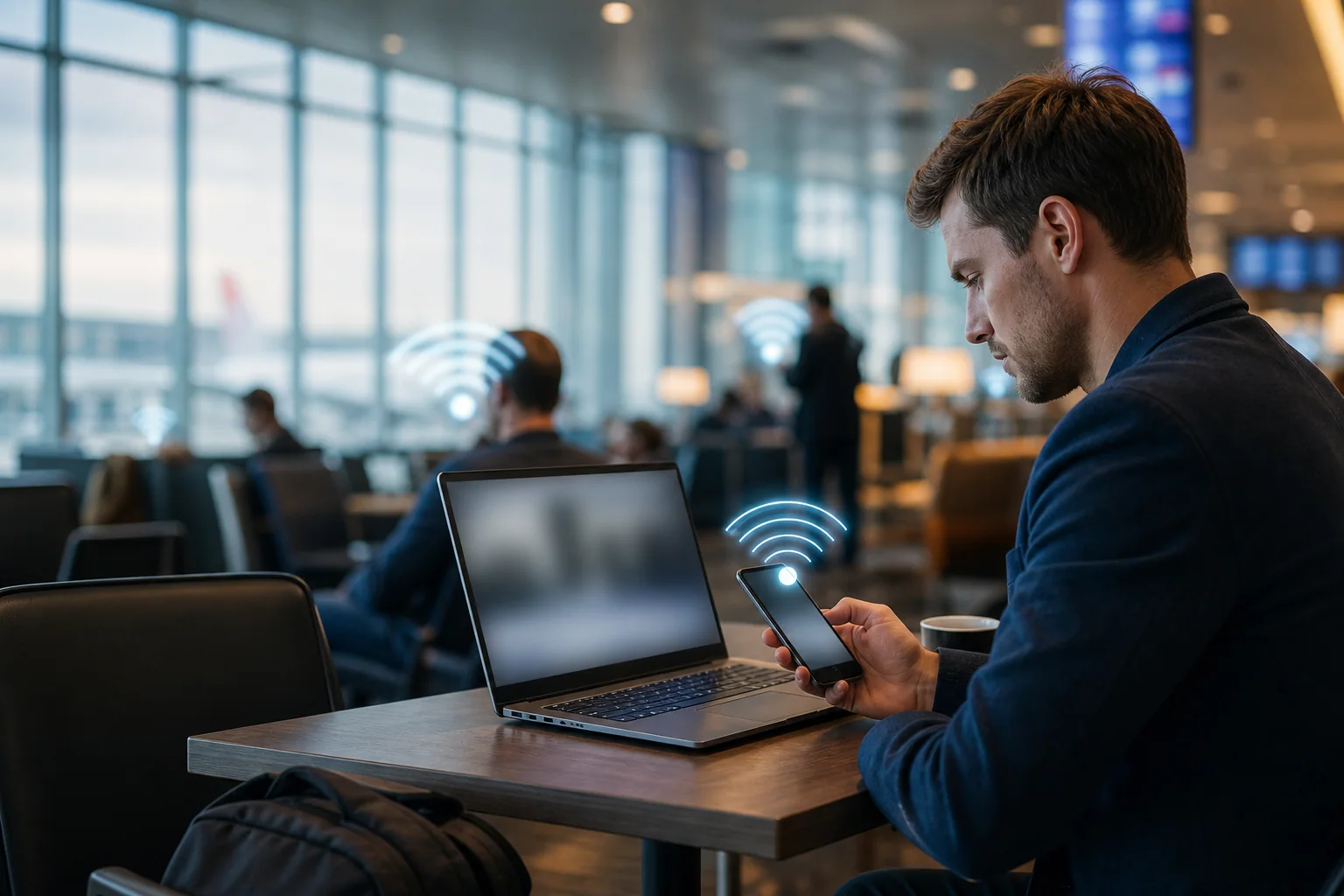
A common public Wi‑Fi risk is a fake hotspot that resembles the venue's network. Verify the exact name with staff and disable automatic connection.
Plan mobile data with the eSIM guide and safer payments with the card-and-cash guide.
Before connecting
Update the operating system, browser and apps before departure. Disable file sharing and use multi-step authentication on important accounts.
Practical checklist
- Verify the exact network name.
- Disable sharing and auto-connect.
- Do not bypass certificate warnings.
- Use mobile data for sensitive tasks.
After leaving
Forget the network, close sessions and review unexpected account alerts. Follow the employer's VPN and travel policy on work devices.
Continue planning
Frequently asked questions
Is hotel Wi‑Fi automatically safe?
No. Verify the network and avoid sensitive activity when possible.
Is a VPN enough?
No. Updates, strong authentication and careful browsing remain necessary.
Should the network be forgotten later?
Yes, to reduce automatic connection to a future lookalike network.