
Travel guide
Guide to safe backup of passports and travel documents
A single screenshot is not a backup. Set up an offline, isolated document layout that you can access even if the phone is lost.
FlyVentis editör ekibi tarafından hazırlanmış, seyahat ve etkinlik bilgileri düzenli olarak gözden geçirilen rehber.
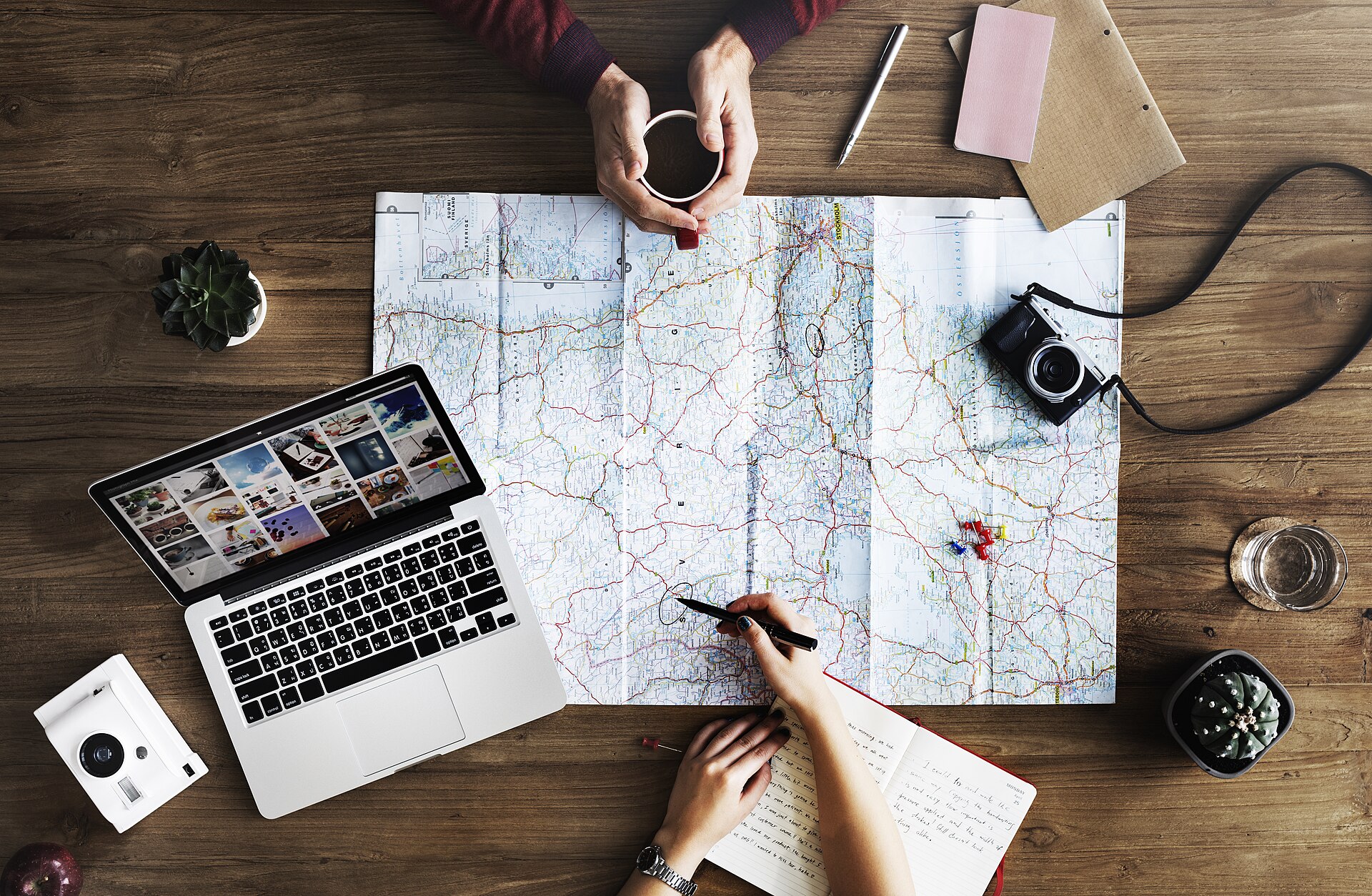
The purpose of backing up documents is not to replace the original passport at the border. Being able to quickly prove your identity and reservations in case of loss, phone failure or lack of connection.
The most robust setup has three layers: offline copy on the phone, secure cloud account, and limited hard copy carried separately from the originals.
Which documents should be backed up?
- ID and visa pages of the passport.
- Flight and accommodation confirmations.
- Travel insurance policy and assistance number.
- Prescription and medical document.
- Emergency contact, consulate and bank communications.
Three-tier layout
| Layer | Advantage | Protection |
|---|---|---|
| offline phone | quick access | device lock |
| encrypted cloud | Access in case of device loss | Strong password + 2FA |
| Hard copy | No battery/internet required | Transport separate from the main |
Security
- Do not send documents to open message groups.
- Do not leave the shared device logged in.
- Do not use unnecessary personal information in the file name.
- Keep the backup code for two-step verification in a safe place.
If passport is lost
Reporting to local police, contacting the nearest consulate and informing the airline/accommodation may be required. The process varies by country. Having the passport number and consular contact in backup speeds up the process.
Post-travel cleaning
Delete temporary posts, public links, and unnecessary boarding passes. Barcodes on boarding passes may contain personal reservation information; Do not share on social media.
Keep planning
Frequently asked questions
Can a passport photocopy replace a passport?
No. It can assist with identification and missing persons claims, but does not replace the original valid document for border crossing or boarding.
Is it safe to keep passport photo in email?
There may be a backup if your account is protected with a strong password and two-step verification; For more sensitive documents, choose encrypted storage.